1. Using imagepanzoom.com as a quick utility
Creating the pan zoom / Ken Burns effect manually on Canva is a very time consuming process. Use imagepanzoom.com as a quick way to get things done in seconds.
Canva itslef does not have the ability to zoom and pan a photo but small utility tool like Image Pan Zoom can quickly solve this problem within seconds.
You can create and duplicate the slides then you move the duplicated slides to whatever spots you want the camera to focus on. then you select Match motion for the slide animation but this method requires a lot of repeated steps and it will clutter your presentation really fast if you want multiple regions.
Creating the pan zoom / Ken Burns effect manually on Canva is a very time consuming process. Use imagepanzoom.com as a quick way to get things done in seconds.
Click the upload button to add that photo you want
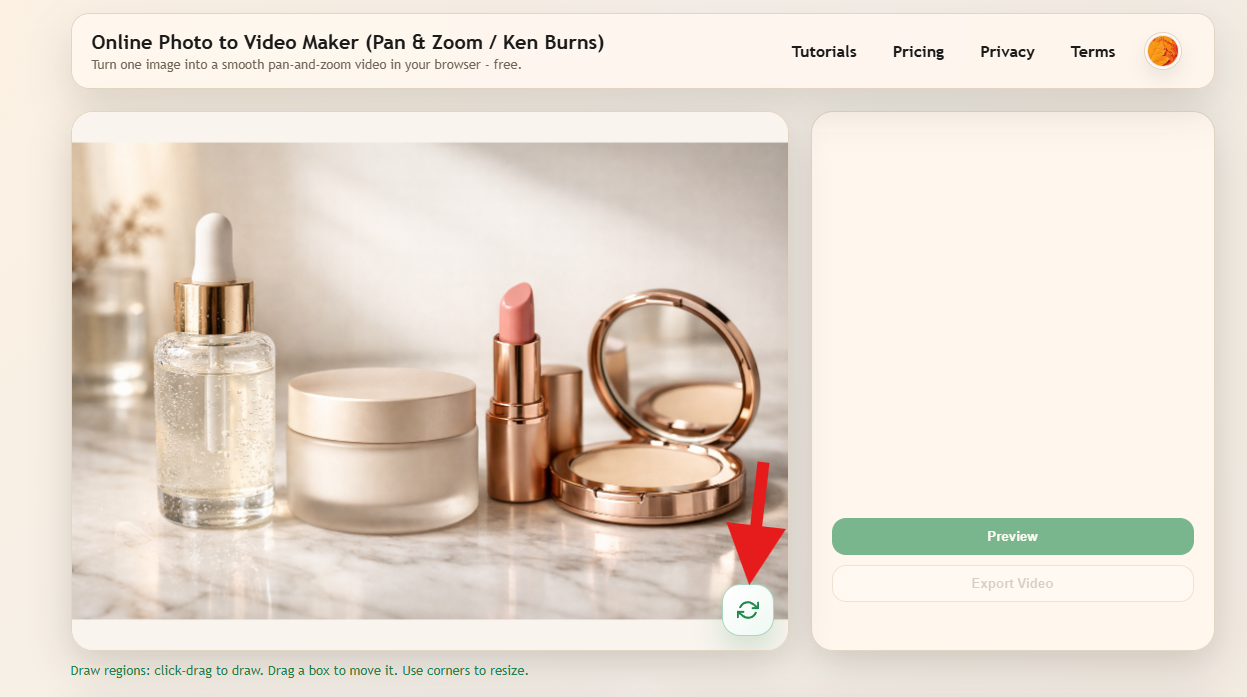
Use your mouse to click and drag on the photo preview to create a camera focus region. You can as many regions as you want.
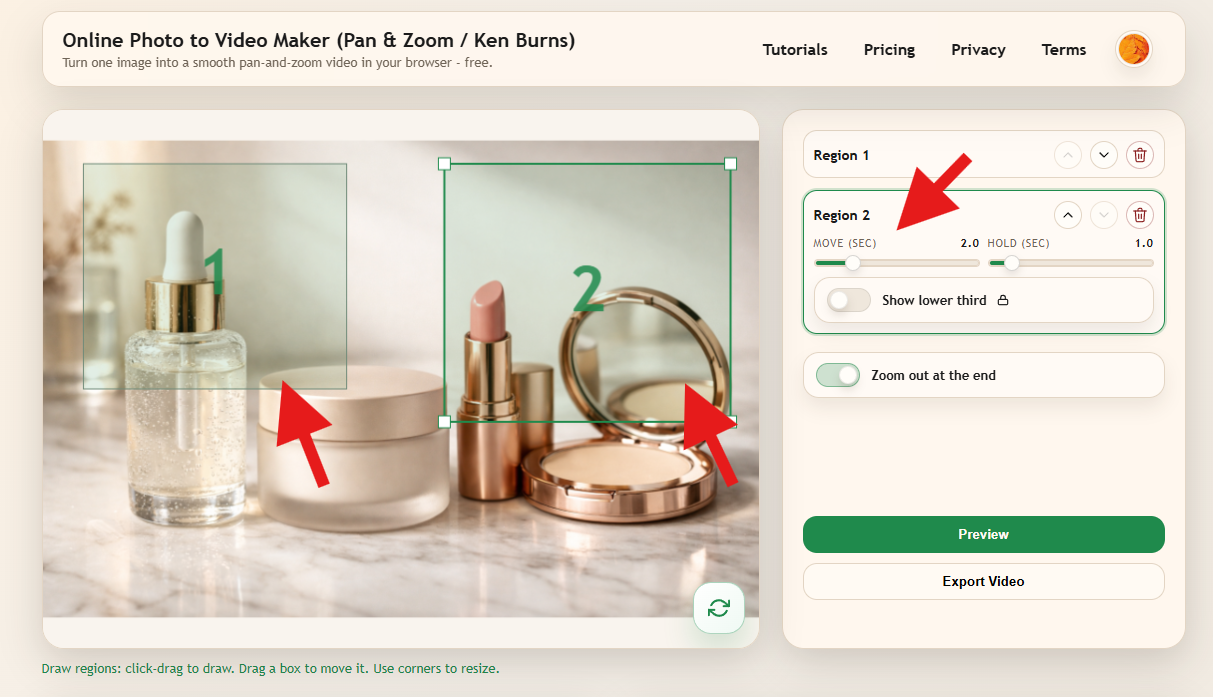
Use the right-side panel to change the duration of camera movement and how long should it focus on the region before moving on.
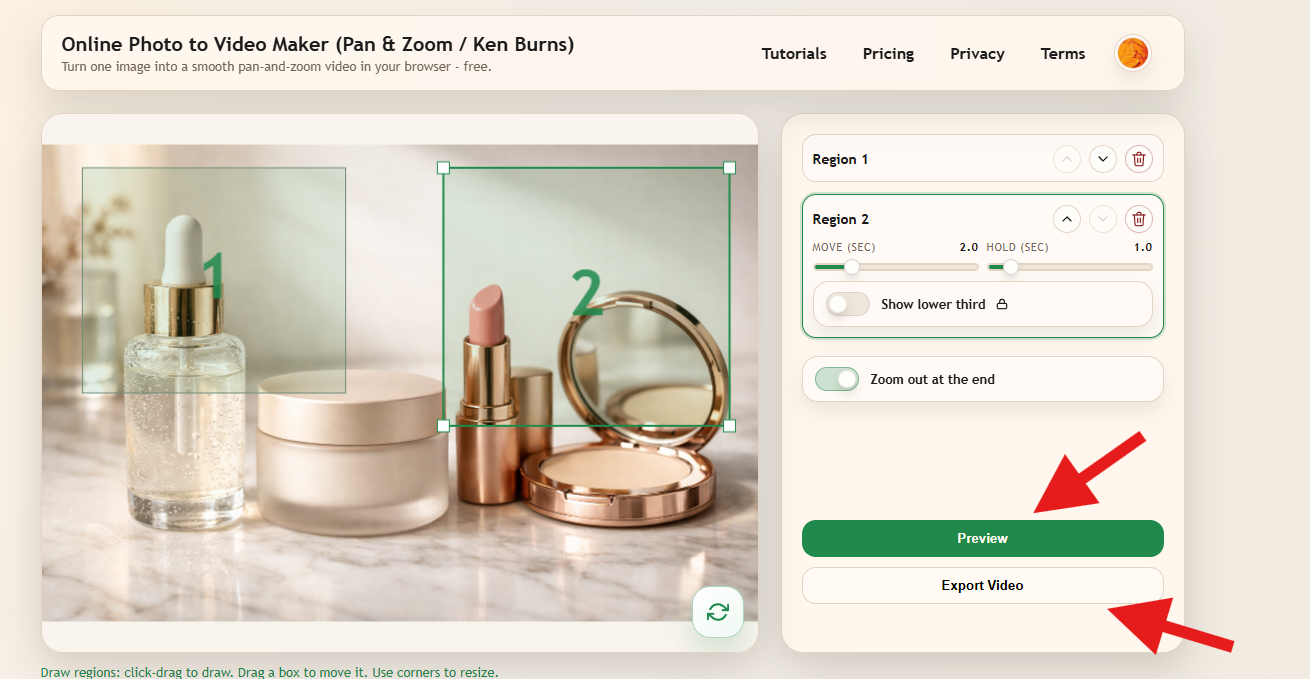
Click the preview button to see the result. When you are satisfied, click Export and wait for a few seconds for the process to complete.
Click the Download video button to receive the file on your device.
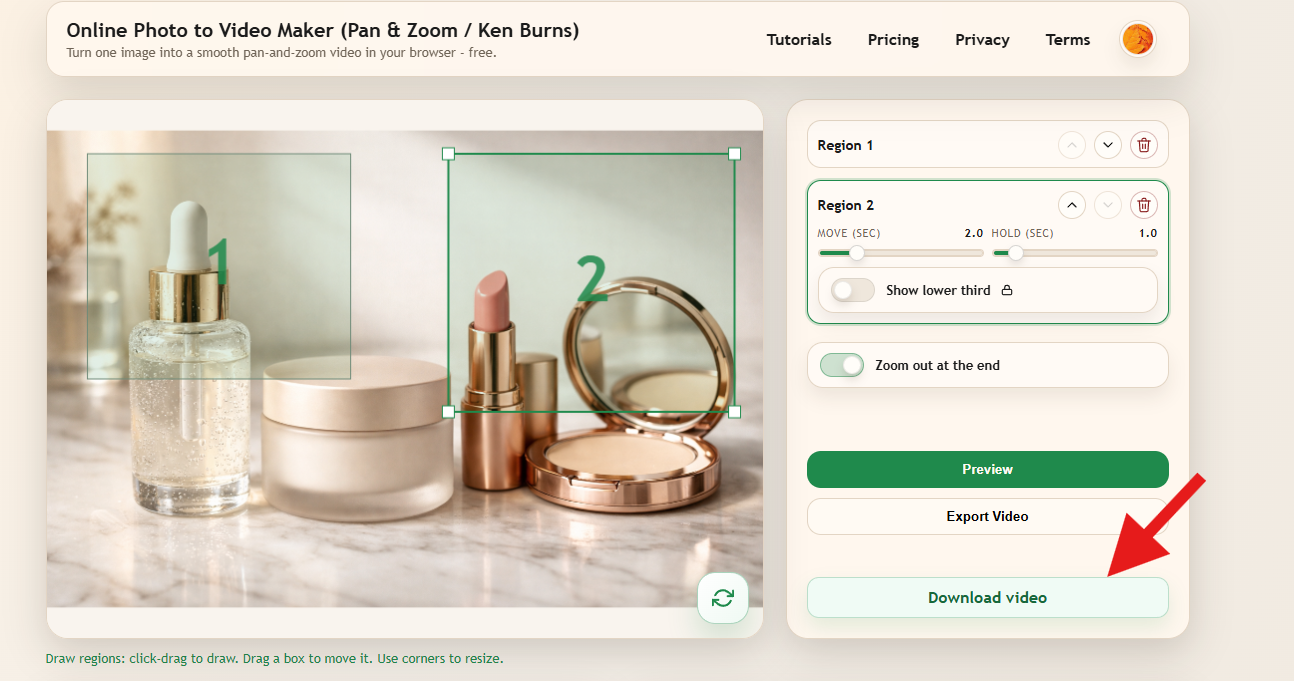
Once you have the video file, you can simply upload this video file to Canva and use it however you want.
No. Not directly. But small tools like imagepanzoom.com can quickly solve this problem.
Yes. Tools like imagepanzoom.com let you upload a photo, draw focus regions, and export a pan and zoom video directly in the browser without duplicating pages or adding manual transitions.